UI vs UX: Why Beautiful Design Doesn't Always Sell
The difference between UI and UX is the difference between how a website looks and how it works. UI (user interface) covers colors, typefaces and buttons; UX (user experience) determines how easily a visitor finds what they're looking for. The biggest lesson I've learned as Design Team Lead at Diyojen is this: a design that looks stunning won't sell if it loses visitors along the way.
What is the difference between UI and UX?
UI is the look of everything you see on the screen; UX is how easy the journey you take on that screen feels. Think of a restaurant: UI is the beauty of the tables, the plates and the lighting; UX is how quickly you can call the waiter and how easily you can pay the bill. The two are connected, but they are not the same thing.
| Question | UI (Interface) | UX (Experience) |
|---|---|---|
| What does it deal with? | Color, typeface, icons, spacing, button appearance | Page order, menu logic, number of steps, clarity |
| The question it asks | "Is this screen beautiful and on brand?" | "Can the visitor do what they want without effort?" |
| What happens if it goes wrong? | The site looks ordinary or cluttered | The visitor gives up, the form isn't filled in, no sale happens |
| How is it checked? | By alignment with the brand identity and design system | By giving a real person a task and watching them |
Tuesday, 3:20 p.m.: The button that got lost in a prototype test
The moment that reminded me most clearly of the difference between UI and UX was the day we tested the Figma prototype of a homepage we had designed for a service business. A prototype is a clickable draft of the design; you can browse it as if it were real before the site is even coded. On the screen there was a full-page image, a thin, elegant typeface and a transparent, thin-bordered "Get a Quote" button. Honestly, I was proud of the design; it looked like a magazine cover.
I called a colleague from our client relations team, someone who had never seen the project, over to my desk and gave them a single task: "Request a quote from this company." Then I fell silent and watched, chewing on my pen. They scrolled down, scrolled back up, opened the menu, went into the services page, came back. The button was on the first screen, right in front of them; but it was so delicate that it looked like decoration. Finally they turned to me and said: "It's really beautiful, but I couldn't figure out where to click."
That sentence shaped every decision we made for the rest of the day. We filled the button with the brand color, enlarged its text, repeated the call to action once more at the bottom of the page and replaced the creative menu labels with plain words anyone would understand. One of our designers looked at the revision and said "it's become a bit ordinary," and they weren't entirely wrong. After a long discussion we landed on the same point: beauty is valuable as long as it doesn't get in the visitor's way.
5 signs of a design that looks great but doesn't sell
A design that looks great but doesn't sell is usually one that doesn't tell the visitor what to do. These are the signs I see most often in our own work and in the sites we review:
- The main button looks like decoration: Transparent, faded or very small buttons look aesthetic but get overlooked.
- The menu has creative but vague labels: "About Us" is understood faster than "Our World," and "Products" faster than "Explore."
- The first screen doesn't say what you do: If an impressive image doesn't explain what the business sells, the visitor is left guessing.
- The text is hard to read: Thin, light gray text on a light gray background looks stylish on screen but is unreadable on a phone in the sun.
- Fingers can't reach on mobile: Small links that are comfortable on desktop lead to mis-taps on a phone.
How do we check UI and UX separately at Diyojen?
At Diyojen we check UI and UX in sequence rather than at the same time, because when you try to fix both at once, beauty usually takes priority over function. After that Tuesday, our design team's routine settled into this order:
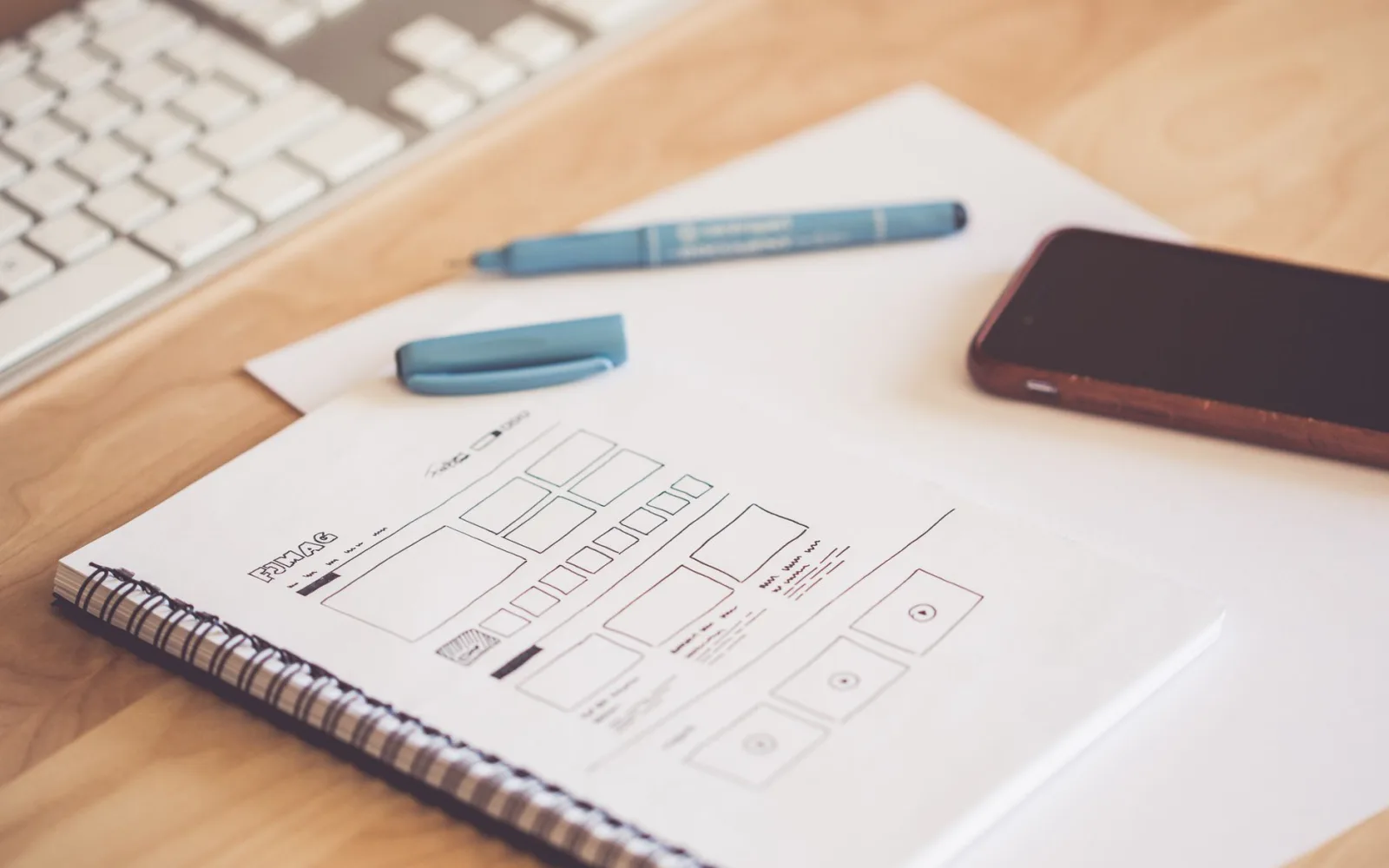
- Skeleton first: We build the page's order and content with a colorless draft made of gray boxes. Without color, everyone focuses on the structure.
- Task-based testing: We give a teammate who doesn't know the project a single task like "book an appointment" or "ask for a price" and watch without speaking.
- Then the visual layer: We dress the skeleton in the brand identity, colors and typefaces only after it has been approved.
- Thumb test on the phone: We browse the design one-handed, using just a thumb, to see whether the buttons are easy to reach.
- Observation after launch: Once the site goes live, we track where visitors click with heatmaps and rearrange the layout if needed.
The biggest thing this order has given us is that discussions now revolve around "could the visitor find this?" instead of "I think it looks better." Being able to freely change a button's color or position, or the logic of the menu, based on test results on a site that is custom-designed and coded for the brand is also what makes this approach possible. If you want your site to be both beautiful and effective, taking a look at our web design process could be a good place to start.
In short
- UI is how a site looks; UX is how easily the visitor finds what they're looking for.
- A design that looks beautiful but doesn't tell the visitor what to do won't bring in sales.
- At Diyojen we first build the structure with a colorless skeleton, then add the visual layer.
- Giving someone who doesn't know the project a single task and watching quietly is the cheapest and most honest UX test.
- Beauty adds value to a design as long as it doesn't get in the visitor's way.